
- Solve Monte Carlo simulation models in Excel
- 1-Click makes @RISK models faster, cloud-ready
- Quantify, control and mitigate costly risks
- Define distributions, correlations, statistics
- Use charts, decision trees, simulation optimization
- Use both Analytic Solver Excel Desktop
and Analytic Solver Excel for the Web
How it works
Get the 15-Day FREE Trial
Use a full featured version of Analytic Solver software (with model/data size limits, enough for all examples) for 15 days, free of charge.Only pay for the features you use!
Upgrade - and pay for - just the Analytic Solver features you need (data mining, simulation, or optimization) to full commercial model/data size and speed. You'll still be able to learn and run examples using all the other features!Analyze and control risk, create optimal plans and resource allocation decisions
|
|
Combine Optimization and Simulation to Make Even Better Decisions
Optimization helps you make better choices when you have all the data, and simulation helps you understand the possible outcomes when you don’t. Analytic Solver enables you to combine these analytic methods, so you can make better choices for decisions you do control, taking into account the range of potential outcomes for factors you don’t control.
| One model does it all | With a single model you can optimize your decisions while taking uncertainty into account. The result is a more realistic model that helps you make better decisions. |
| Define recourse decisions | Many real-world situations involve both decisions that you must make "here and now", and decisions you can make on a "wait and see" basis, after all or part of the uncertainty is resolved. Only Analytic Solver enables you to include both types of decisions in your model -- which often results in different and better decisions "here and now." |
| Multiple ways to solve | Only Analytic Solver Simulation has built-in support for simulation optimization, stochastic programming, and robust optimization for models with uncertainty, offering multiple Solver engines for each of these methods. Products that support only simulation optimization cannot handle large-scale optimization models with uncertainty. |
| The speed you need | Analytic Solver's optimization and simulation speed advantage is even greater when solving these more complex, and useful, models. |
| Single interface | Analytic Solver has a single integrated interface for simulation, conventional and stochastic optimization, and decision trees, so you can access every feature and see your entire model at a glance. |
The Best Technology for the Best Solutions
At the heart of Analytic Solver is the combination of our advanced Solver Engines and our proprietary PSI Interpreter -- which automatically performs Monte Carlo simulation trials in parallel, algebraically analyzes your formulas, delivers model structure information crucial for advanced optimization algorithms, computes function gradient and curvature results with maximum speed and accuracy, and fully exploits multiple processor cores. This is advanced technology no one else can offer -- and we make this advanced technology easy -- even automatic -- for you to use.
Analyze Risk and Find Optimal Plans and Decisions
Analytic Solver Simulation provides best-in-class tools for Monte Carlo simulation, risk analysis and simulation optimization. Combine it with Analytic Solver Optimization for powerful, scalable stochastic programming and robust optimization of models with uncertainty.
| Solve any model type | Since it handles conventional optimization, simulation optimization, and stochastic optimization problems, you can build virtually any model you want, and let Analytic Solver take it from there. |
| Easy to use | An intuitive Ribbon and Task Pane, a unique step by step Distribution Wizard, and in-product Help set you up for success. |
| Upgrade to full analytics | Upgrade Analytic Solver Simulation at any time, all the way to full-power predictive and prescriptive analytics. |
| Rich simulation features | Over 50 probability distributions and over 50 statistics, risk measures and Six Sigma metrics are included, as well as the ability to fit distributions and automatically update them. |
| Seamless integration | All functions work as native Excel functions, so if you know even a little about Excel you'll be up and running in no time. |
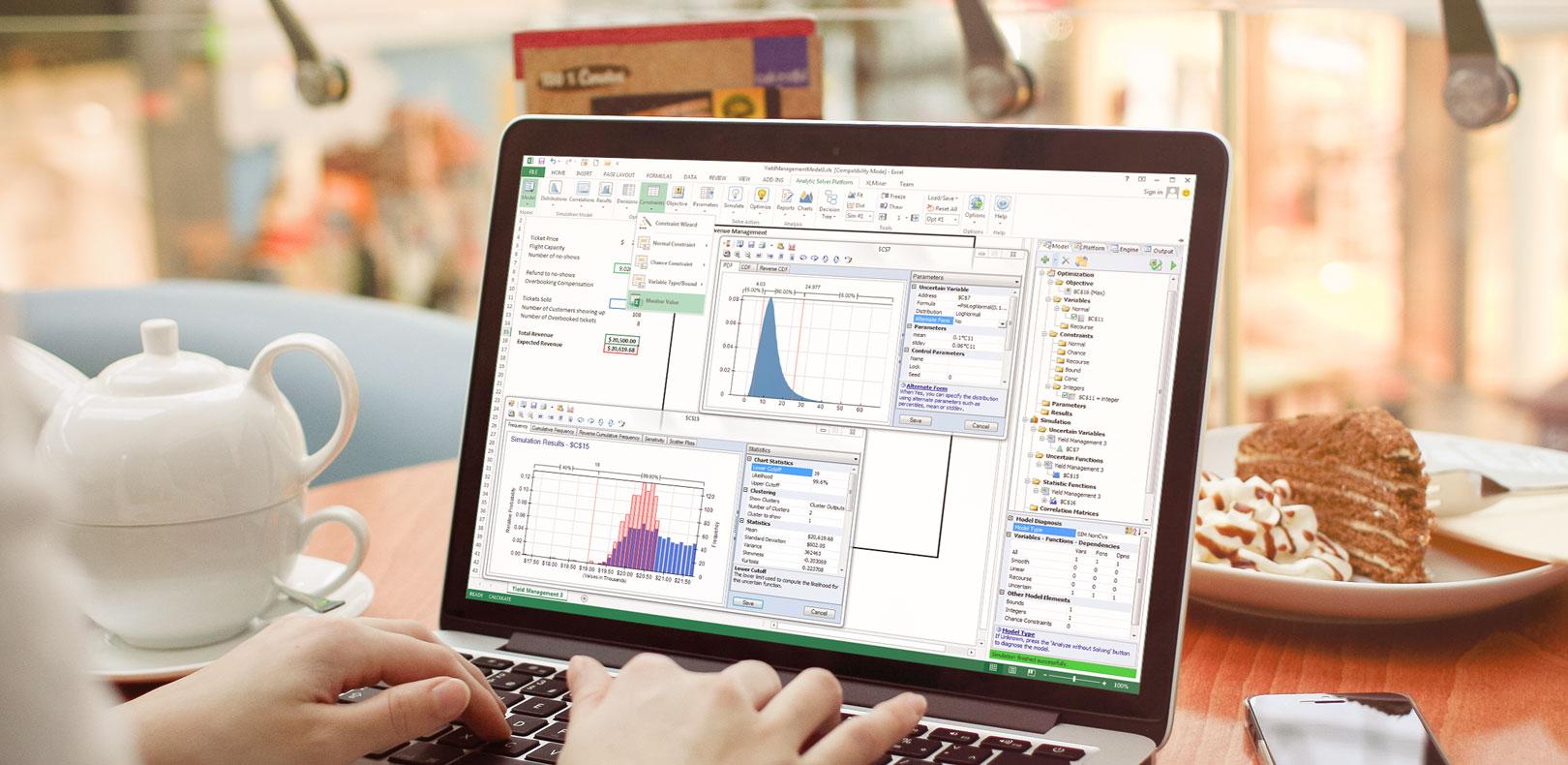
| Insightful charts | From instant preview charts of distributions and fully customizable charts of inputs and outputs, to customizable multi-chart windows with full data visualization features, to charts that automatically cover multiple parameterized simulations, Analytic Solver Simulation gives you greater insights. |
| The fastest simulations | At up to 100x faster than competing alternatives thanks to our super-fast, proven accurate PSI Interpreter, you'll spend less time watching your simulation run, and more time analyzing results. |
| Build decision trees | Build multi-stage decision trees with point-and-click ease, and modify them right in Excel. |
| Simulate over trees | Add probability distributions and run simulations, to see the true range of outcomes for each decision alternative. |
| Full sensitivity analysis | See how your optimal decisions change as you vary the chances and payoffs across multiple outcomes. |
| Unlimited size optimization models | Handle problems with up to 8,000 decision variables (40 times larger than the Excel Solver) using built-in Solver engines, and virtually unlimited size problems with optional plug-in Solver engines (PDF). |
| Wizards and Guided Mode | Our Constraint Wizard helps you think about and define constraints. Guided Mode helps you better understand your model, refine it for better answers in less time, and find and correct any errors. When you're up to speed, Auto-Help Mode gives you expert help only when you encounter an error. |
| Dimensional modeling | Build more structured, easily readable, compact Excel models, that represent business situations with many 'dimensions' such as products, customer types, geographic regions, or time periods. |
| Helpful example models | Over 60 example models show you how to create Excel Solver-compatible optimization models, Monte Carlo simulation models, decision tree models, simulation optimization models, and stochastic optimization models with chance constraints and recourse decisions. |
| Better solutions | Find better solutions to portfolio optimization problems, global optimization problems, and models using arbitrary Excel functions with Analytic Solver's built-in LP/Quadratic, SOCP Barrier, Interval Global and Evolutionary Solvers. |
| The fastest optimizations | Find solutions between 2X and 200X faster than the Excel Solver, thanks to more advanced Solver engines, better optimization algorithms, and our super-advanced PSI Interpreter. |
2-Minute Demo Videos
Optimization Demo Videos
Simulation Demo Videos
Compare our Analytics Tools for Excel
If you're familiar with our earlier products: In V2017, Premium Solver Platform becomes Analytic Solver Optimization, and Premium Solver Pro becomes Analytic Solver Upgrade. Risk Solver Platform matches Analytic Solver Simulation plus Analytic Solver Optimization.
| Compare All Analytic Solver Versions |
Compare Built-In Solver Engines |
Compare Optional Solver Engines |
We're Here To Help You
Whichever product you buy, we offer a full range of support internally and through external partners to help you succeed. Whether you are looking for pre-sales support on your problem and our product line, Technical Support on using our tools, or personalized Consulting Services, we are here to help you. We offer a full range of online support resources you can access anytime.
| Support Live Chat | Only Frontline Solvers offer quick access to Tech Support via Live Chat from inside Excel -- automatically passing error information to our support reps. |
| Guided Mode Support | In Guided and Auto-Help Mode, if the error message and full-text explanation isn't enough, just click the button to connect live to Tech Support. |