
Business Rules & Decision Tables
A model builder creates a RASON decision table model in RASON Desktop, then packages it into a Power BI report or Excel workbook. End users can then solve the model directly inside their familiar environment, without ever opening RASON Desktop.
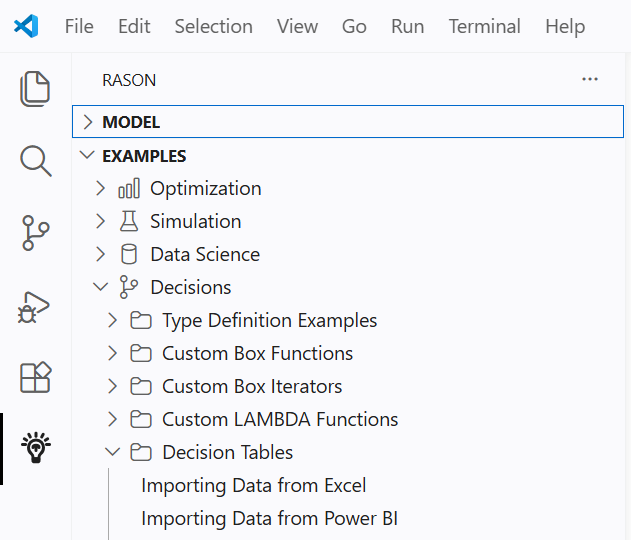
To open the example model in RASON Desktop, click Examples → Decisions → Decision Tables and choose DT Example Import from Power BI or DT Example Import from Excel.
End-to-End Workflows
Power BI Track: RASON Desktop → Power BI → RASON Runner
- Builder — Import, build & export results
Import customer data from the Power BI report, run it through the decision table, and write risk ratings back to Power BI. - Builder — Export the RASON model to Power BI
Package the finished model into a Power BI report so end users can run it without opening RASON Desktop. - End user — Solve with RASON Runner
Open the Power BI report and run the embedded RASON model using RASON Runner — no RASON Desktop required.
Excel Track: RASON Desktop → Excel → Excel Runner
- Builder — Import, build & export results
Import customer data from an Excel workbook, run it through the decision table, and write risk ratings back to the spreadsheet. - Builder — Export the RASON model to Excel
Package the finished model into an Excel workbook so end users can run it without opening RASON Desktop. - End user — Solve with Excel Runner
Open the Excel workbook and run the embedded RASON model using Excel Runner — no RASON Desktop required.